
Your site on the trailer TV.
Cameras, machines, weather and the plan on any TV. A 4-letter code, no box.
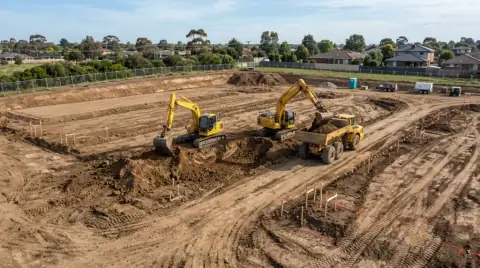 Cam 1
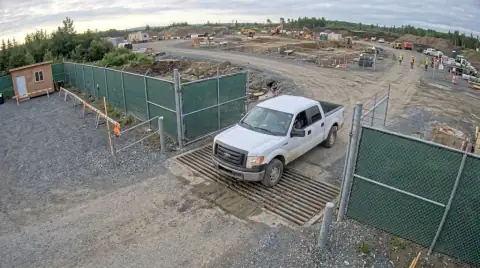 Cam 2
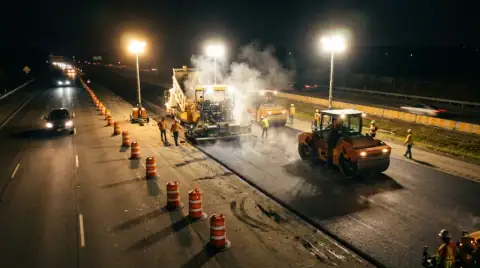 Cam 3
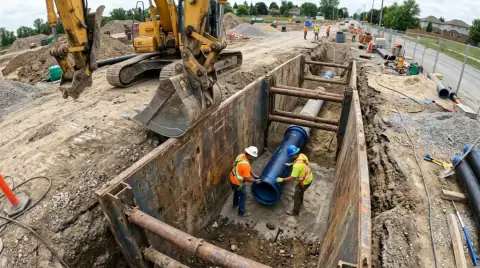 Cam 4
Maple & 3rd · 4 cameras live
On the TV: open dozer.tv and type the code. Putting a board on a TV is part of the Site plan.
What goes on a construction dashboard
The trailer TV should answer the questions people walk in with: is the crane up, did the concrete show, who's on site, will it rain. Dozer builds the board from what the site already has, so nobody has to keep it current.
- Cameras: a grid of every camera, the busiest one big.
- Machines: working, idle or down, with hours and anything due.
- Weather: now, the next 12 hours and tomorrow's rain chance.
- The day: loads hauled, visitors, inspections and anything that needs a call.
Putting it on the TV
Any TV with a browser, or a $30 streaming stick, opens dozer.tv. Type the 4-letter code and the board appears. There's no box to buy and nothing to plug into the network. Change the board from your phone and the TV follows.
Owners and GCs can get a view-only link to the same board. They see the site; they don't see your settings.
The board keeps itself current.
Dozer builds the board from what it knows about the site and updates it all day. Open dozer.tv on any TV browser and type the code.
- Live cameras in a grid, the busiest one large
- Machines working, idle or down
- Today's weather and tomorrow's rain chance
- The day's log: loads, visitors, inspections
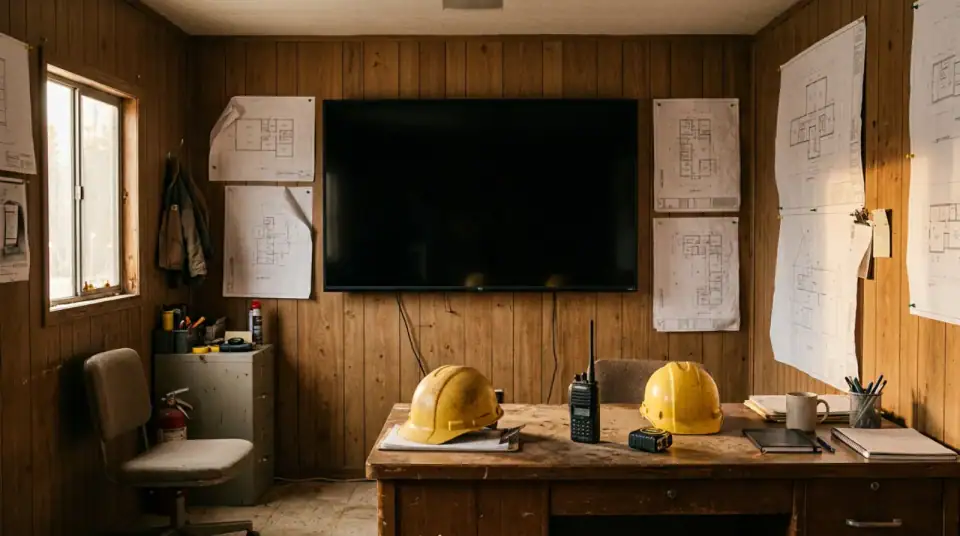 LIVE Board 4F7K · 4 cameras live
Photo is an AI-generated stand-in, not a customer site.
Email me the PDF
We'll send this to you as a PDF, plus a reminder if there's a date in it. One email, no list.
We use it to send this and nothing else. See privacy.
Questions crews ask
What do I need to put the board on a TV?
Any TV or monitor with a web browser, or a cheap streaming stick. Open dozer.tv and type the 4-letter code. No box to buy and no cables to run.
What shows on a construction site dashboard?
Live cameras, machine hours and status, weather, the day's log (loads, visitors, inspections) and anything that needs a decision. Dozer picks the layout from what the site has.
Does the board cost extra?
Putting a board on a TV is part of the $99 Site plan. You can build and preview it free.
Can the owner or GC see it too?
Yes. Share a view-only link. They see the board, not your settings.
Related free tools
Your site at 6 a.m., before you're there.
Free for one site and one camera. $99 a site after. Crew is always free. 7 days of everything free, no card.