
No camera? Your old phone is one.
Scan the code with a spare phone. Its live view appears here in seconds.
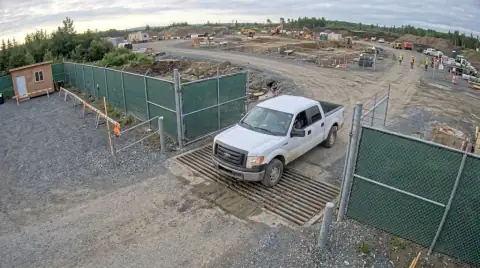 LIVE6:38 AMTruck · no ticket
6:38 AM · Truck at the gate, no ticket photo
Reolink, Verkada, Eagle Eye and UniFi connect today; Ring waits on Ring's partner approval. All cameras →
Six ways to get a camera on your site
Most crews already have a camera somewhere: a phone in a drawer, a Reolink on the trailer, a Verkada system at the yard. Dozer takes them as they are. Pick the fastest way in for what you have.
| What you have | How it connects | Time |
|---|---|---|
| A spare phone | Scan the code, allow the camera, plug it in | 2 min |
| Verkada, Eagle Eye, UniFi | Link the account, tick the site's cameras | 2 min |
| Reolink, Hikvision, Axis | The camera emails or uploads pictures to its own Dozer address | 5 min |
| Any camera with a setup QR | Scan the sticker; Dozer picks the way in | 10 s |
| Wired cameras you own | A relay on the site network finds them for live video | 15 min |
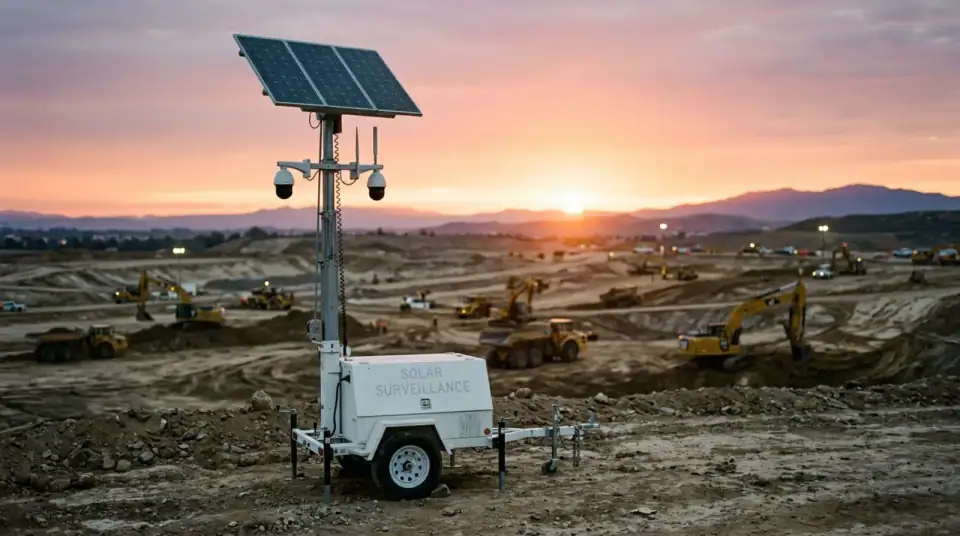
| Nothing, and no power | A solar camera trailer, quoted by a partner | Days |
What Dozer watches for
A camera that nobody looks at is a recorder. Dozer looks at every picture and writes down what a foreman would want to know, with the frame attached:
- Trucks in and out of the gate, and whether a ticket photo came with them
- Machines working, idle or moving after hours
- People in a trench, and whether the box is in
- Missing hard hats and vests
- Dust plumes and standing water after rain
Each one lands on the site's day, on the office board, and in the morning summary. Nothing gets deleted to make room; the time-lapse builds itself every Friday.
Then Dozer watches the cameras so you don't have to.
Each camera feeds the site's page in the app. Dozer reads every frame for what a foreman would care about and writes it down.
- Trucks in and out, with or without a ticket photo
- People in a trench, and whether the box is in
- Machines moving after hours, with a clip saved
- A Friday time-lapse for the owner, made for you
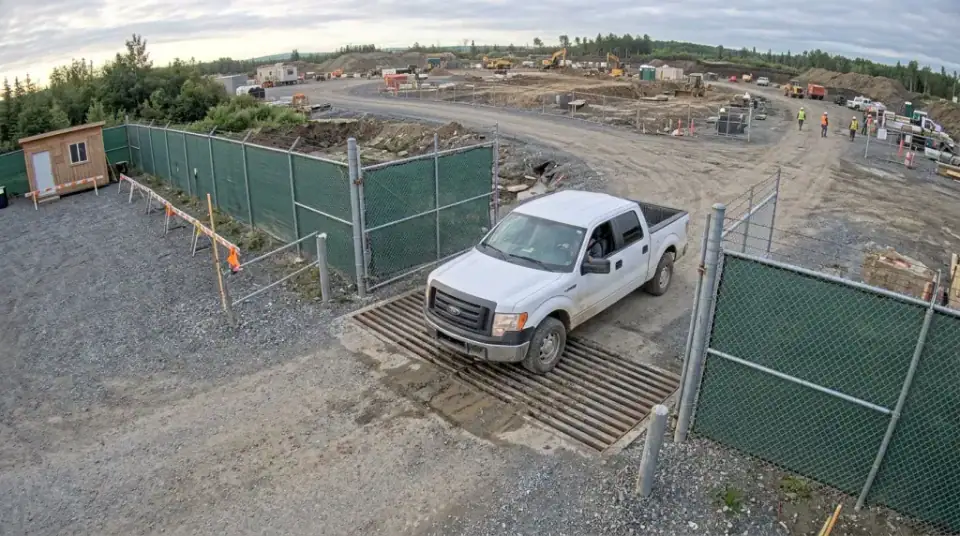 LIVE 6:38 AM · Truck at the gate, no ticket photo
Photo is an AI-generated stand-in, not a customer site.
Email me the PDF
We'll send this to you as a PDF, plus a reminder if there's a date in it. One email, no list.
We use it to send this and nothing else. See privacy.
Questions crews ask
Can I really use an old phone as a construction camera?
Yes. Any spare iPhone or Android phone with a browser works. Scan the code, allow the camera, mount it and plug it into power. It fills the free plan's one camera, so it costs nothing.
Which security cameras does Dozer work with?
Link Verkada, Eagle Eye or UniFi from their accounts and pick the cameras; Ring links once Ring approves Dozer as a partner. Reolink, Hikvision and Axis cameras can send pictures to a Dozer address, including 4G Reolink models. A small relay on the site router gives live video from cameras you own. See every camera and what Dozer reads from it.
What does Dozer look for on the cameras?
Trucks in and out, machines working or idle, people without a hard hat, people in a trench, dust plumes and standing water, and anything moving after hours. Each one becomes a line on the site's day with the frame attached.
How much does a jobsite camera cost with Dozer?
One site with one camera is free for good. A paid site is $99 a month with unlimited cameras, and the first 7 days are free. Dozer doesn't sell camera hardware; a solar trailer is quoted by a partner.
Is there a site with no power or internet?
Use a 4G camera that sends pictures (Reolink makes them) or ask for a solar camera trailer through Dozer. A partner quotes the trailer, so that one takes days, not minutes.
Your site at 6 a.m., before you're there.
Free for one site and one camera. $99 a site after. Crew is always free. 7 days of everything free, no card.