Photo the hour meter. Get service due.
No tracker needed. Dozer reads the model and hours, then shows the next service.
2,000-hour service at 2,000 h
Due this week at a normal shift. Order the filters now.
- Everything in the 1,000
- Hydraulic oil
- Final drive and axle oil
- Coolant change and valve lash check
The usual 250-hour steps. Your machine's manual has the real list.
Heavy equipment service intervals, in plain words
Most diesel machines follow the same ladder of services. Your manual has the exact list for your model; this is the shape of it.
| Every | What usually gets done |
|---|---|
| 10 h / daily | Walk-around, fluid levels, grease the pins that take daily grease, tracks or tires |
| 250 h | Engine oil and filter, grease every point, check coolant, hydraulic and final drive levels |
| 500 h | The 250, plus fuel filters and water separator, air filter, often the hydraulic return filter |
| 1,000 h | The 500, plus hydraulic filters, swing drive or transmission oil, coolant test |
| 2,000 h | The 1,000, plus hydraulic oil, final drive and axle oil, coolant change, valve lash |
Tracking hours without a tracker
Telematics is great when every machine has it. Most small fleets have a mix: a newer excavator that reports to VisionLink, a rented loader that doesn't, a 20-year-old dozer with a mechanical hour meter. A photo of the meter covers all of them. Snap it on Friday, and Dozer keeps the hours, the service due and the idle time in one list.
When a machine has telematics, connect it and the hours update by themselves. When it throws a fault code, look it up in the J1939 code list.
Every machine's hours, without the clipboard.
Photo the serial plate or drop in your fleet spreadsheet. Dozer tracks hours, idle time and service due. Connect telematics later if you have it.
- Service due by hours, sorted by what's next
- Idle time per machine, per day
- After-hours movement flagged from the cameras
- Fault codes from the CAN port or telematics
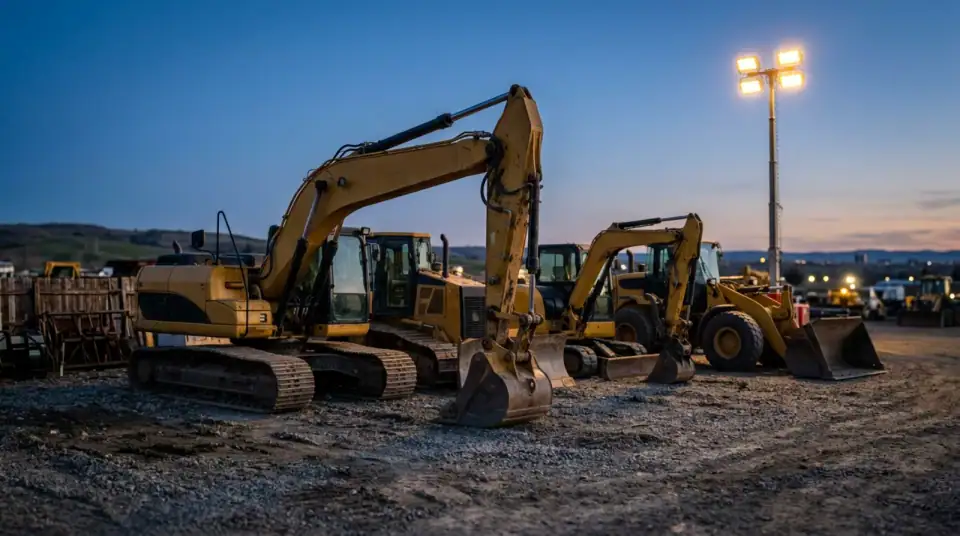 LIVE 5 of 6 working · EX-04 passed 6 h
Photo is an AI-generated stand-in, not a customer site.
Email me the PDF
We'll send this to you as a PDF, plus a reminder if there's a date in it. One email, no list.
We use it to send this and nothing else. See privacy.
Questions crews ask
How often does heavy equipment need service?
Most machines run a 250-hour service (oil and filter), a 500-hour service (adds fuel filters and more checks), a 1,000-hour service (hydraulic filters, more fluids) and a 2,000-hour service (hydraulic oil, coolant and more). Your machine's manual has the real list; these are the usual steps.
Do I need a GPS tracker to track equipment hours?
No. A photo of the hour meter is enough. Dozer reads the number and the model. If you already have telematics (VisionLink, JDLink, Komtrax, CareTrack or an AEMP feed), connect it and the hours update by themselves.
What's the best heavy equipment maintenance software for a small fleet?
One your foreman will actually use. Dozer is free for up to 10 machines on one site. It needs a phone, not a tracker on every machine, and it puts service due, fault codes and camera alerts in one list.
Can Dozer read the hour meter from a photo?
Yes, when the API is reachable. If the photo is blurry, it asks you to type the number. The service-due math runs right here in the page either way.
Your site at 6 a.m., before you're there.
Free for one site and one camera. $99 a site after. Crew is always free. 7 days of everything free, no card.