
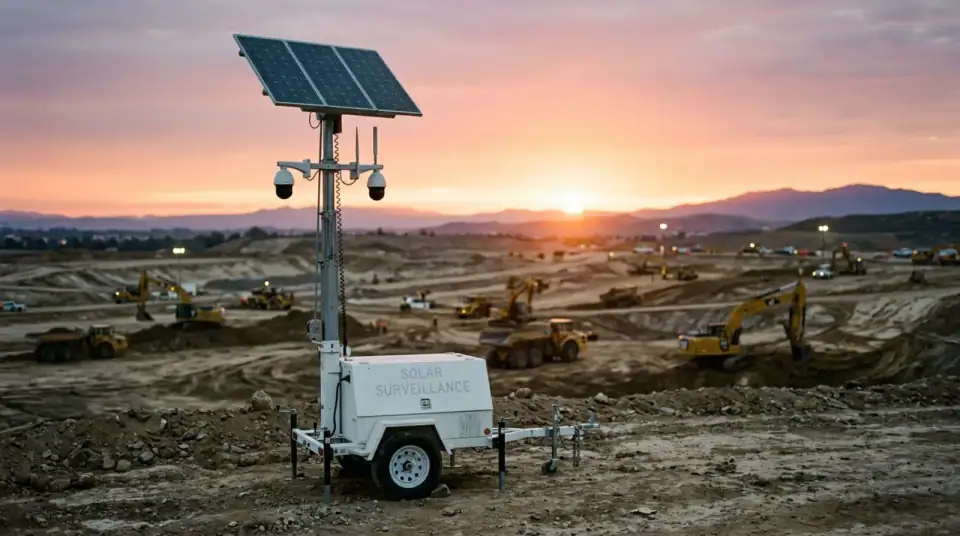
Your old phone is a jobsite camera.
Scan the code with a spare phone, allow the camera, mount it and plug it in. Dozer watches it like any other camera.
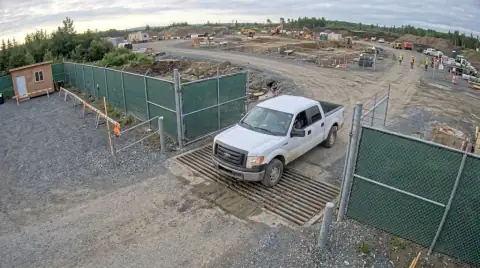 LIVE6:38 AMTruck · no ticket
6:38 AM · Truck at the gate, no ticket photo
Reolink, Verkada, Eagle Eye and UniFi connect today; Ring waits on Ring's partner approval. All cameras →
Connect Old phone in about 2 minutes
- On the site page in Dozer, tap Add camera. Dozer shows a QR code.
- Scan it with the spare phone. It opens a Dozer camera page tied to that site.
- Allow camera access.
- Mount the phone where it sees the gate or the work, plug in power, and leave the page open.
What Dozer gets from it
A live picture from the phone's camera, as often as the site's plan allows.
Good
- Costs nothing: it fills the free plan's one camera
- Two minutes from drawer to live
- Works anywhere the phone gets Wi-Fi or cell service
Watch for
- Keep it on power; a phone camera drains a battery in hours
- Shade it from direct sun in the summer
- Use a cheap clamp or a window mount; tape doesn't last
Then Dozer watches the cameras so you don't have to.
Each camera feeds the site's page in the app. Dozer reads every frame for what a foreman would care about and writes it down.
- Trucks in and out, with or without a ticket photo
- People in a trench, and whether the box is in
- Machines moving after hours, with a clip saved
- A Friday time-lapse for the owner, made for you
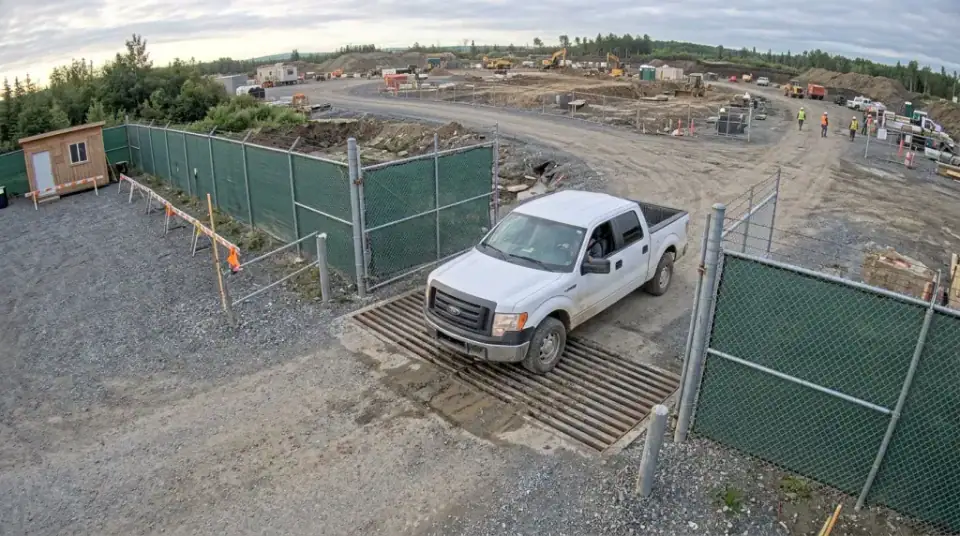 LIVE 6:38 AM · Truck at the gate, no ticket photo
Photo is an AI-generated stand-in, not a customer site.
Email me the PDF
We'll send this to you as a PDF, plus a reminder if there's a date in it. One email, no list.
We use it to send this and nothing else. See privacy.
Questions crews ask
Will an old phone overheat in a window?
It can in direct summer sun. Mount it in shade or behind a vent, and keep the case off so it cools.
Does it need the Dozer app?
No. The QR code opens a camera page in the phone's browser. The app works too.
How much data does it use?
Dozer sends still pictures, not full video, unless someone opens the live view. On site Wi-Fi it doesn't matter; on a cell plan, a few gigabytes a month is typical.
Related free tools
Your site at 6 a.m., before you're there.
Free for one site and one camera. $99 a site after. Crew is always free. 7 days of everything free, no card.