UniFi Protect, on every site's page.
Paste a UniFi API key, pick the cameras for this site, and Dozer reads their snapshots and events.
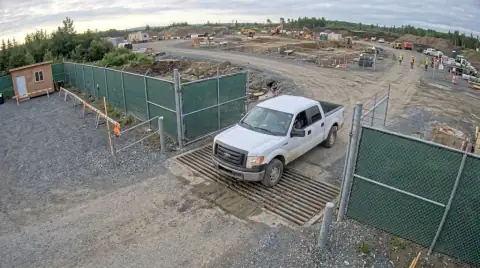 LIVE6:38 AMTruck · no ticket
6:38 AM · Truck at the gate, no ticket photo
Cloud account link · About 2 minutes. All cameras →
Connect UniFi Protect in about 2 minutes
- In UniFi, create an API key for Protect.
- In Dozer, tap Add camera, then UniFi Protect, and paste the key.
- Tick the cameras for this site.
- Snapshots and events show on the site page and the office board.
What Dozer gets from it
Cameras and NVRs, camera snapshots, RTSPS stream URLs, and event and device updates.
Good
- Works through UniFi's cloud connector, so no port forwarding
- Events (motion, people, vehicles) come with the pictures
Watch for
- Needs a UniFi console running Protect
Then Dozer watches the cameras so you don't have to.
Each camera feeds the site's page in the app. Dozer reads every frame for what a foreman would care about and writes it down.
- Trucks in and out, with or without a ticket photo
- People in a trench, and whether the box is in
- Machines moving after hours, with a clip saved
- A Friday time-lapse for the owner, made for you
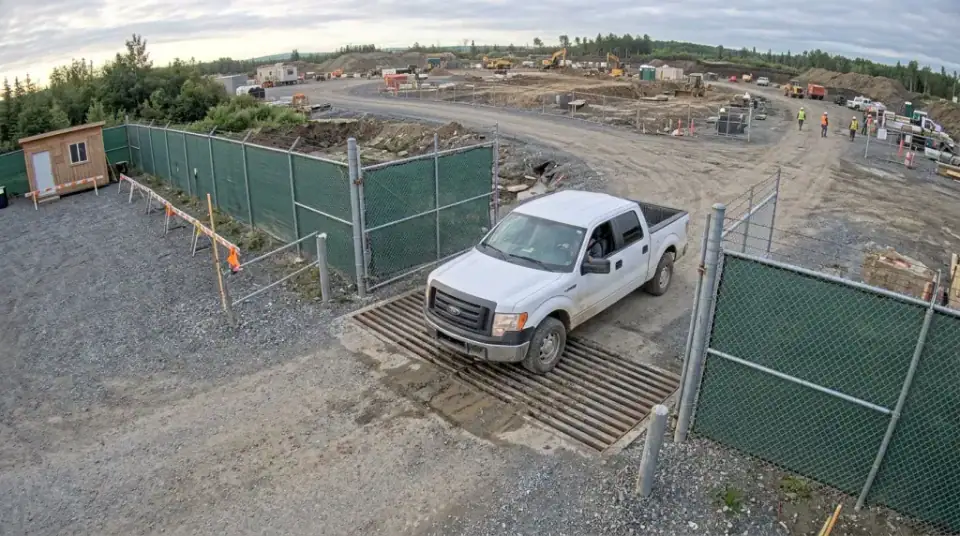 LIVE 6:38 AM · Truck at the gate, no ticket photo
Photo is an AI-generated stand-in, not a customer site.
Email me the PDF
We'll send this to you as a PDF, plus a reminder if there's a date in it. One email, no list.
We use it to send this and nothing else. See privacy.
Questions crews ask
Does it work with a UniFi console on site?
Yes: a Cloud Key, Dream Machine or NVR running Protect. Dozer reaches it through UniFi's cloud connector with your API key.
Do I need to open ports?
No. The cloud connector handles it.
Related free tools
Your site at 6 a.m., before you're there.
Free for one site and one camera. $99 a site after. Crew is always free. 7 days of everything free, no card.