Equipment sign-out sheet, free to print.
The columns that matter, a sheet to print, and how to run it so the gear comes back.
PC-2Plate compactor · out, Marco
SAW-4Cut-off saw · out, Dana
TB-01Trench box · off-rent Thu
LT-3Light tower · on site
- Tap the compactor to check it back in when Marco brings it back.
- TB-01 is rented: who it's from and its off-rent date ride with it.
- The 'Off-rent soon' filter lists every rental due back within 7 days.
- 1Sign upWith email, Google or Apple.
- 2Tell it about the siteLike you'd tell a new foreman.
- 3It opens, built for your siteMachines, plus fault codes and theft alerts
An equipment sign-out sheet is a log of who took what and when it came back. Each line has the date, the item and its tag number, who took it, where it went, when it's due back, its condition, a signature, and the date it came back in. Print the sheet below or download it as a spreadsheet.
It works for anything that leaves the trailer: plate compactors, saws, lasers, gas meters, light towers, generators, attachments and keys. Machines with an hour meter need more than a sheet; they go on the machine service list.
The columns
| Column | What to write, and why |
|---|---|
| Date out | The day it left. Without it, nobody can say how long it's been gone. |
| Item | What it is, in plain words: plate compactor, cut-off saw, laser level. |
| Tag or unit # | The number painted or stamped on it. Three saws that look alike are three different lines. |
| Taken by | A printed name, not initials. Initials can't be read a week later. |
| Going to | The job or the site it went to, so you know where to look. |
| Time out | For gear that comes back the same day, like a laser or a gas meter. |
| Due back | A date. 'When we're done' never comes. |
| Condition out | OK, or what's already wrong: cracked guard, low fuel, missing blade key. |
| Signature out | The person taking it signs. That's what makes it theirs until it's back. |
| Date and time in | When it came back. A blank here is the whole point of the sheet: it's still out. |
| Condition in | Same words as condition out, so damage shows up the day it happens. |
| Checked in by | The person who took it back and looked it over, not the person returning it. |
The sheet
Company: ____________________ Site: ____________________ Week of: __________ Kept by: ____________________
| Date out | Item | Tag or unit # | Taken by | Going to | Time out | Due back | Condition out | Signature out | Date and time in | Condition in | Checked in by |
|---|---|---|---|---|---|---|---|---|---|---|---|
From trydozer.com/equipment/sign-out-sheet. Change the columns to fit your crew.
How to run it
- Tag everything first. Paint pen, a metal tag or a sticker: one number per item, and the same number on the sheet.
- Keep the sheet where the gear lives: on a clipboard in the conex, the tool trailer or the gang box lid.
- One person owns it. The foreman or the yard hand checks gear out and back in; the crew doesn't do it on the honor system.
- Nothing leaves without a line. If it's not on the sheet, it didn't go out.
- Read the open lines at the end of every day. Anything still out with a past due date gets a call that night, not next week.
- Start a new sheet each week and keep the old ones. When something turns up broken or missing, the sheet tells you who had it last.
Rentals need three more things
For anything rented, write down who it's from, the contract number and the off-rent date. A rental usually keeps billing until you call it off rent, so a trench box nobody touched for two weeks still costs you. The spreadsheet has a rentals section at the bottom for this. Check what your contract says about pickup and the last billed day.
Know what you're paying before you rent. Here's what an excavator rents for and what a dozer rents for, by the day, week and month.
Why sign-out sheets fail
| What goes wrong | What it looks like |
|---|---|
| Nobody signs it back in | The gear comes back, gets thrown in the trailer, and the line stays open. Now the sheet says a saw is out that isn't, and nobody trusts it. |
| The sheet is in one place, the gear is in another | The clipboard is at the shop. The compactor went from site A to site B on a Tuesday, and neither sheet knows. |
| No tag numbers | 'Saw' on the sheet, three saws in the trailer. You can't tell which one came back with a cracked guard. |
| Nobody reads it | A sign-out sheet only works if someone looks at the open lines. Most sheets are read once: after something goes missing. |
| Rain, mud and coffee | Paper on a job site doesn't last. A wet sheet is a blank sheet. |
Every one of these is the same problem: the sheet only knows what someone wrote on it, in one place, on paper.
The same list in Dozer
Dozer's Equipment app keeps the sheet on the phone and the web. Add an item with its name and its tag or unit number. If it's rented, add who it's from and the off-rent date. Tap an item to check it out to a person on the site, and tap it again to check it back in.
- The list shows what's out and who has it, on every phone on the site at once.
- Filters for what's out, what's rented, what you own, and rentals coming off rent within a week.
- A rental two days or less from its off-rent date, or past it, shows in red, so you see it before the next invoice does.
Add Equipment from the Apps tab on any site. The machines with hour meters live next door in Machines, with service due and fault codes in plain words. More on tracking rentals, attachments and tools.
Before a machine goes out, walk around it. Use the heavy equipment inspection checklist for excavators, dozers and loaders, and the forklift inspection checklist for forklifts and telehandlers. Not sure what something's called? Here are the names of heavy equipment, with what each one does.
The same sheet, on every phone.
Add each item with its tag number, check it out to a person on the site, and the list shows who has what.
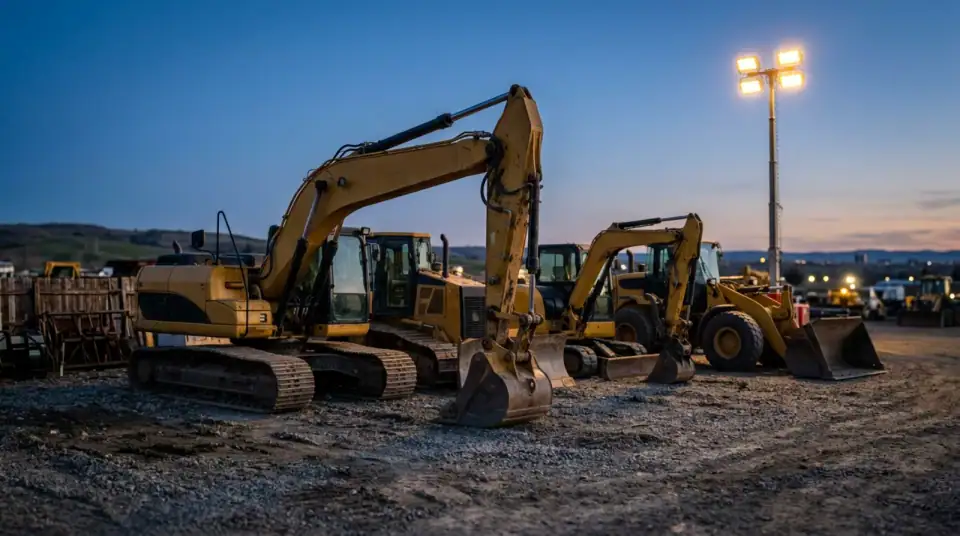 LIVE 2 out · trench box off rent Thursday
AI-generated stand-in photo, not a customer site.
Questions
Something else? Ask a person.
What is an equipment sign-out sheet?
A log of who took what and when it came back. Each line has the date, the item and its tag number, who took it, where it went, when it's due back, the condition, a signature, and the date it came back in.
What should be on a tool sign-out sheet?
At least the date out, the item, its tag or unit number, the person's printed name, where it's going, the due-back date, a signature, the date it came back and who checked it in. Add condition out and condition in if you want damage to show up the day it happens.
Is there an equipment sign-out sheet template for Excel?
Yes. Download the sign-out sheet as a spreadsheet (a CSV file). It opens in Excel, Google Sheets or Numbers, with a section for rentals at the bottom.
How do you keep track of tools on a job site?
Tag every item with a number, keep one sign-out sheet where the tools live, make one person responsible for checking them in, and read the open lines at the end of each day. Or keep the same list on the phone, so it's on every site at once.
How do I stop tools from walking off the job?
Make every tool somebody's. A tool signed out to a named person comes back far more often than one in an open trailer. Lock the trailer or conex at night, tag everything, and chase every open line the same day.
Put an AI foreman on your site.
Tell it about your site. It sets up the rest.